Ir para conteúdo
View in the app

A better way to browse. Learn more.

priston.pro

A full-screen app on your home screen with push notifications, badges and more.

To install this app on iOS and iPadOS
  1. Tap the Share icon in Safari
  2. Scroll the menu and tap Add to Home Screen.
  3. Tap Add in the top-right corner.
To install this app on Android
  1. Tap the 3-dot menu (⋮) in the top-right corner of the browser.
  2. Tap Add to Home screen or Install app.
  3. Confirm by tapping Install.

Piegab

Membros
  • Registro em

  • Última visita

  1. Piegab respondeu ao tópico de Piegab em Pedidos
    @Manezinho Thank you for sharing the game.ini file—it completely resolved my issue.
  2. Piegab respondeu ao tópico de Piegab em Pedidos
    Note This thread has been successfully resolved
  3. Piegab respondeu ao tópico de Piegab em Pedidos
    I don’t remember the exact details, but it’s based on a Renewal PT source I purchased three years ago. It has a style similar to Regnum, with a life bar displayed at the top center of the screen.
  4. Piegab postou um tópico no fórum em Pedidos
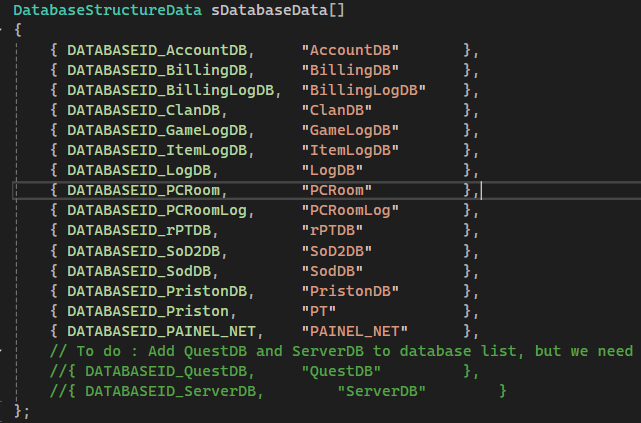
    Hi everyone, does anyone have the database files for QuestDb, CoinshopDb, and ServerDb? I would appreciate it if you could share them. Thanks!
  5. Piegab respondeu ao tópico de Piegab em Pedidos
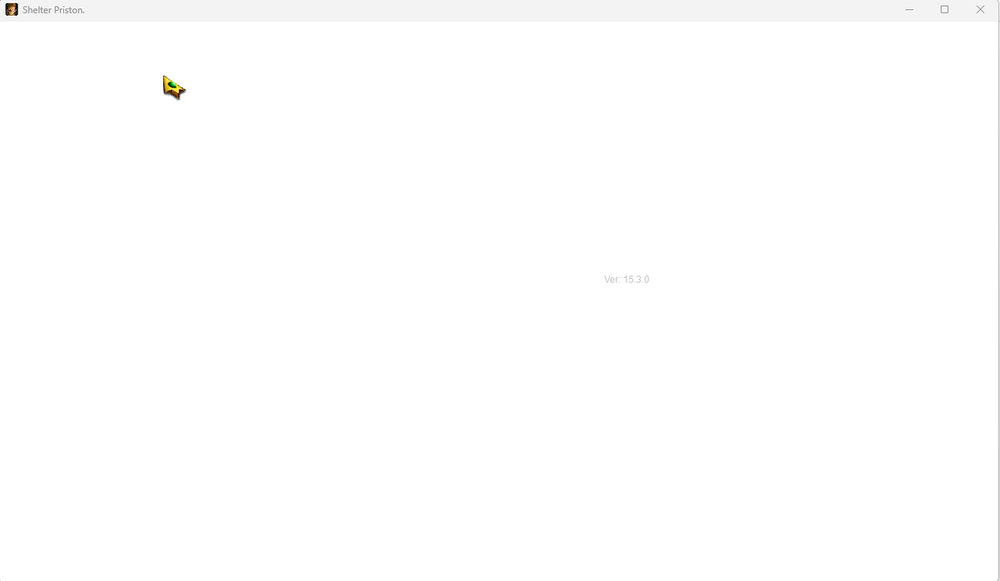
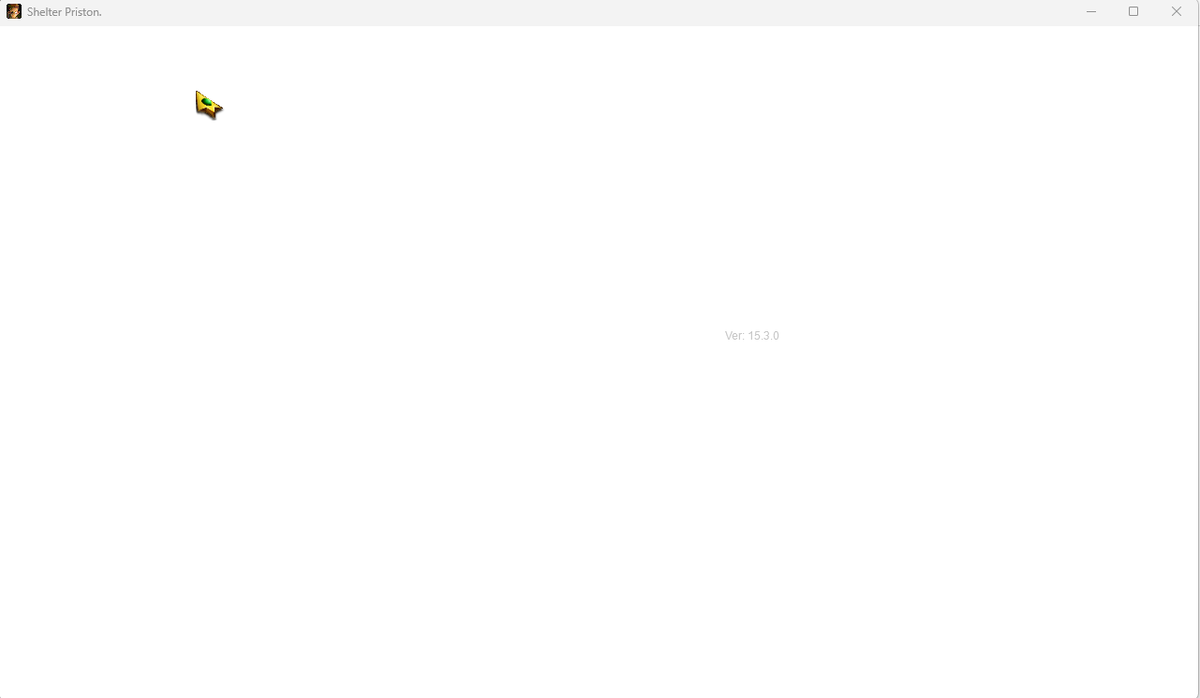
    after adding the game.ini, it loads but I can see all white
  6. Piegab começou a seguir Manezinho
  7. Piegab respondeu ao tópico de Piegab em Pedidos
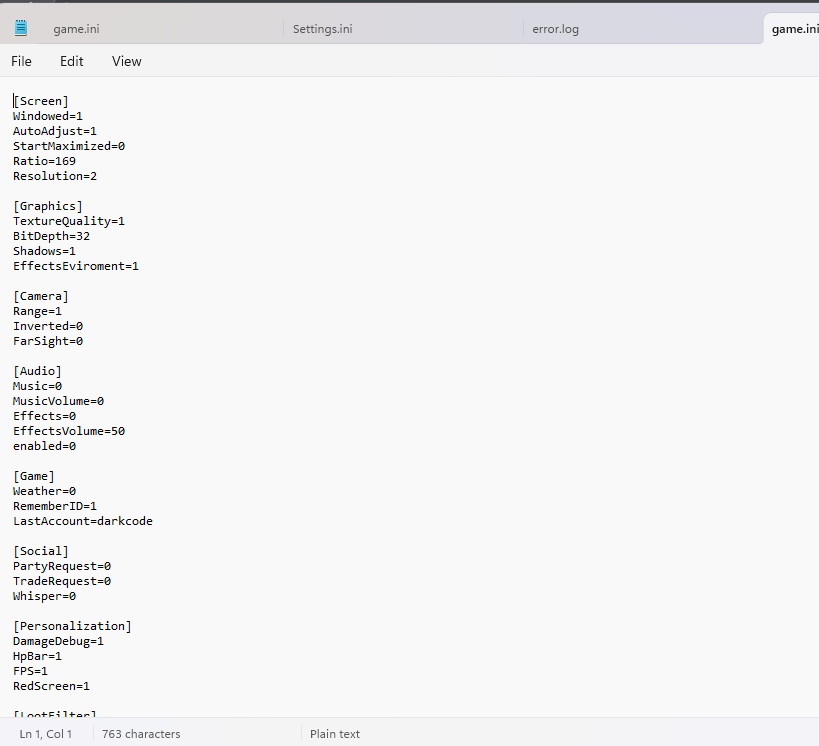
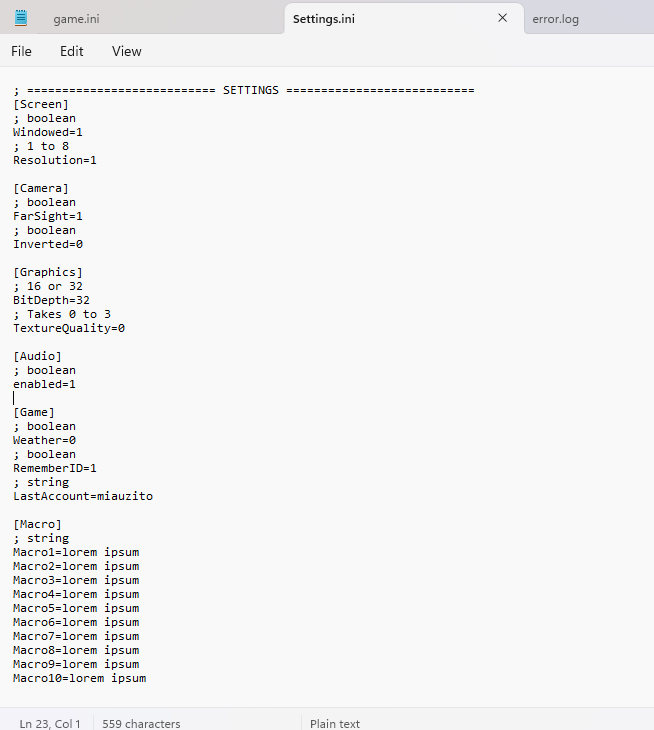
    I have the game.ini and settings.ini but unfortunately, the content is incorrect. can you attach the game.ini as .rar? thank you
  8. Piegab postou um tópico no fórum em Pedidos
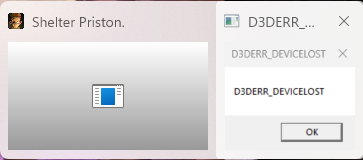
    I'm trying to run Game.exe, and I got this issue. Has anyone encountered this before? How can I resolve it?
Account

Navigation

Pesquisar

Configure browser push notifications

Chrome (Android)
  1. Tap the lock icon next to the address bar.
  2. Tap Permissions → Notifications.
  3. Adjust your preference.
Chrome (Desktop)
  1. Click the padlock icon in the address bar.
  2. Select Site settings.
  3. Find Notifications and adjust your preference.