Arthas
Membros
-
Registro em
-
Última visita
Tudo que Arthas postou
-
 Faço sim ViGo. qualquer tipo de config pro seu projeto sob medida 😉
 -
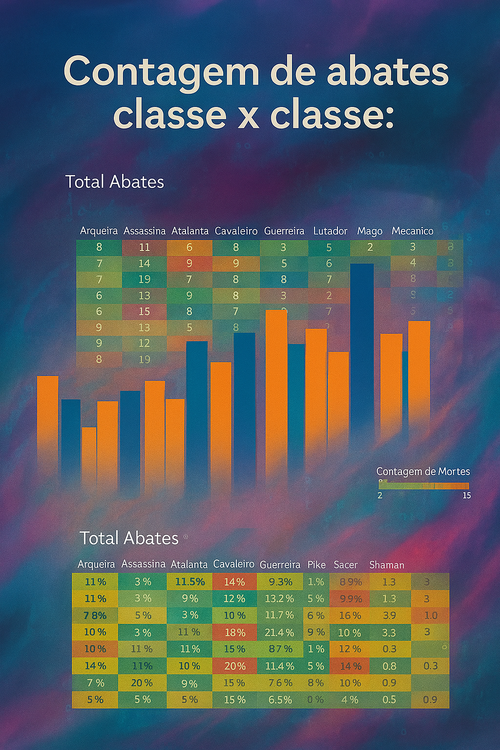
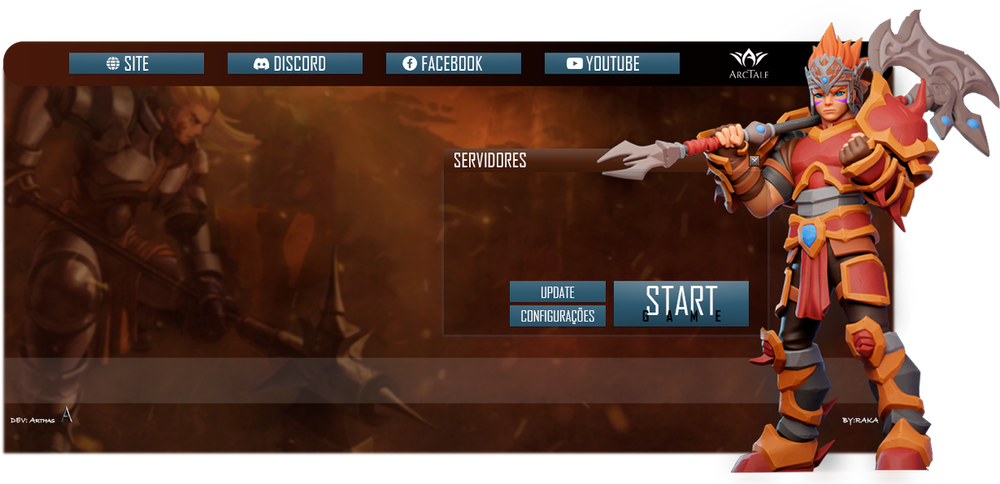
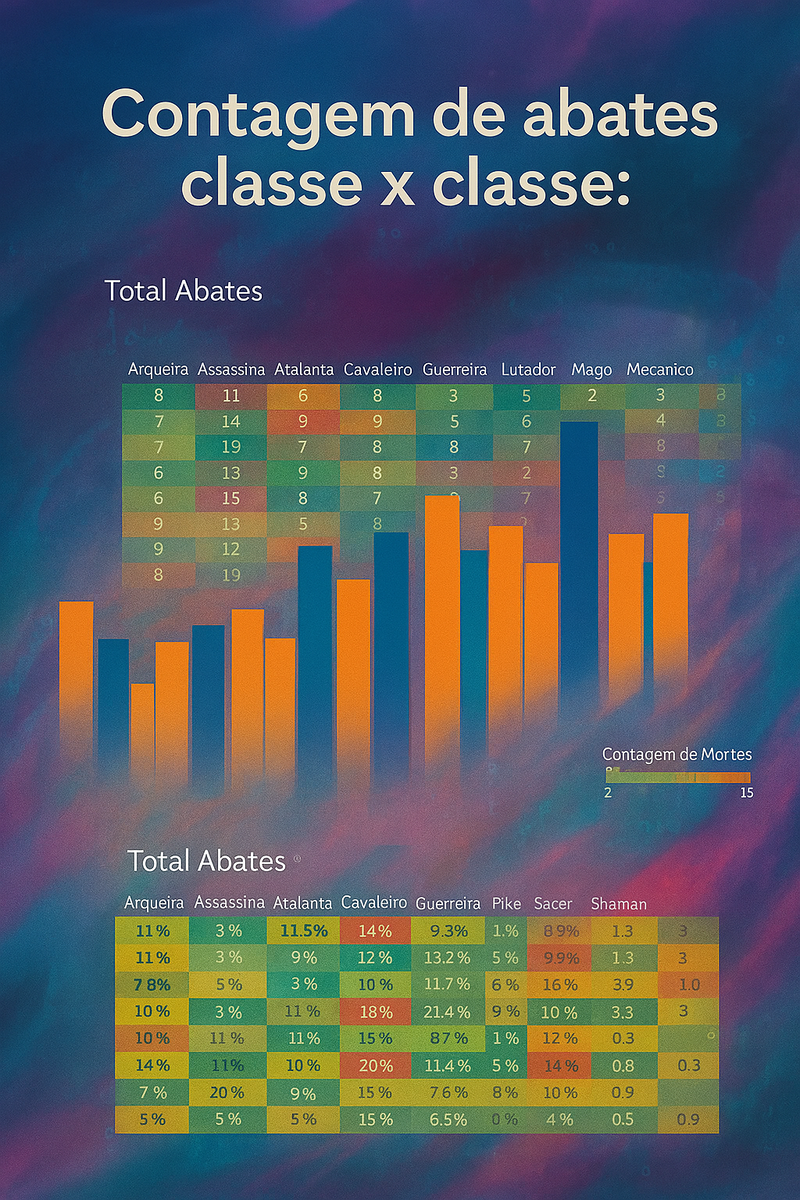
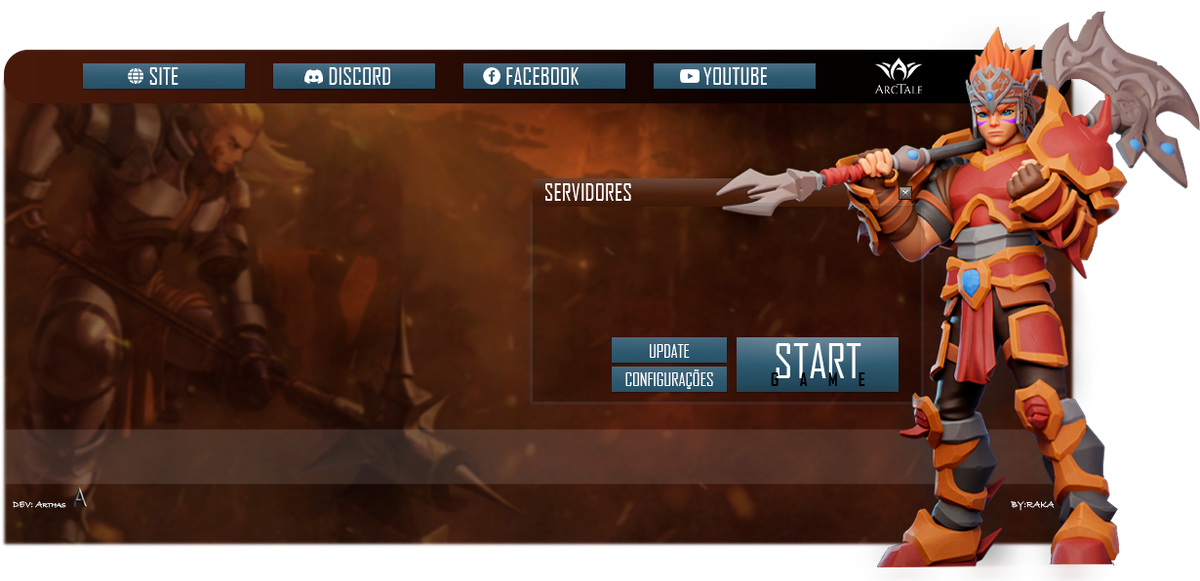
Salve Pristonianos!! Prazer, me chamo Arthas e trabalho e atuo no ramo do Priston Tale por volta de 7 anos; Ja tive servidores, ja ajudei a administrar, ja desenvolvi ferramentas e automações sob medida para diversos clientes. Alguns dos meus trabalhos são: • Launcher Completo e Personalizado: • Launcher desenvolvido para o servidor ArcTale (2023-2024) [Arte feita pelo cliente] • Automações p/ servidores como: Backups automáticos [Server + SQL] Divulgação 100% automática [Video] Automação SQL para Eventos • Análise de dados para balanceamento de Classes no PvP com gráficos, valores e porcentagens [Exemplo real de um servidor PK] • Especialista em Python e SQL • Vasto conhecimento sobre o funcionamento do jogo e de sistemas E muito mais! Se interessou? entre em contato: Discord: https://discord.com/users/119166048233586690 WhatsApp: https://wa.me/5511975852431 #ChamaOArthas