Ir para conteúdo
View in the app

A better way to browse. Learn more.

priston.pro

A full-screen app on your home screen with push notifications, badges and more.

To install this app on iOS and iPadOS
  1. Tap the Share icon in Safari
  2. Scroll the menu and tap Add to Home Screen.
  3. Tap Add in the top-right corner.
To install this app on Android
  1. Tap the 3-dot menu (⋮) in the top-right corner of the browser.
  2. Tap Add to Home screen or Install app.
  3. Confirm by tapping Install.

Misticos

Membros
  • Registro em

  • Última visita

  1. Misticos respondeu ao tópico de Misticos em Pedidos
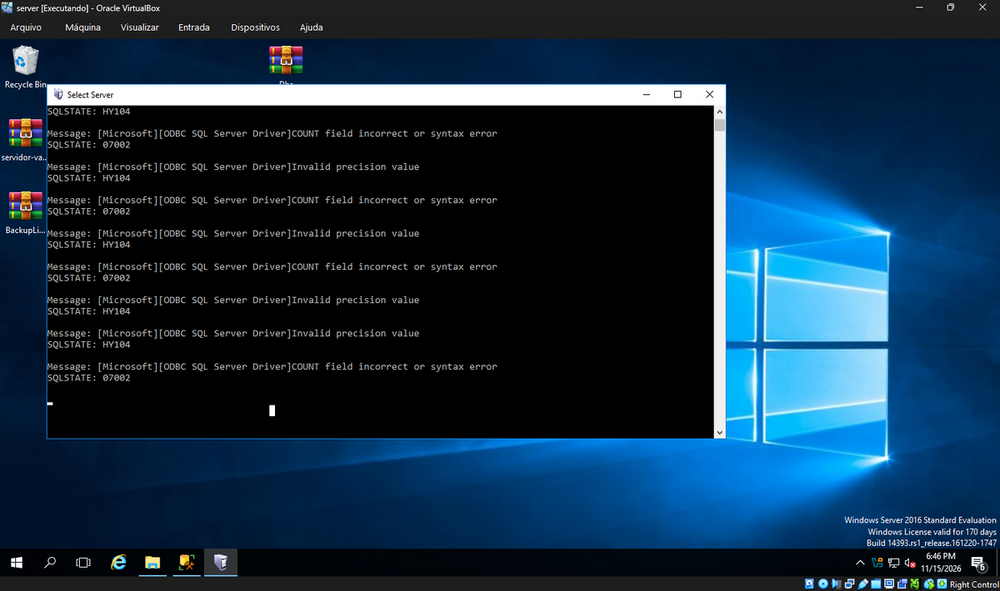
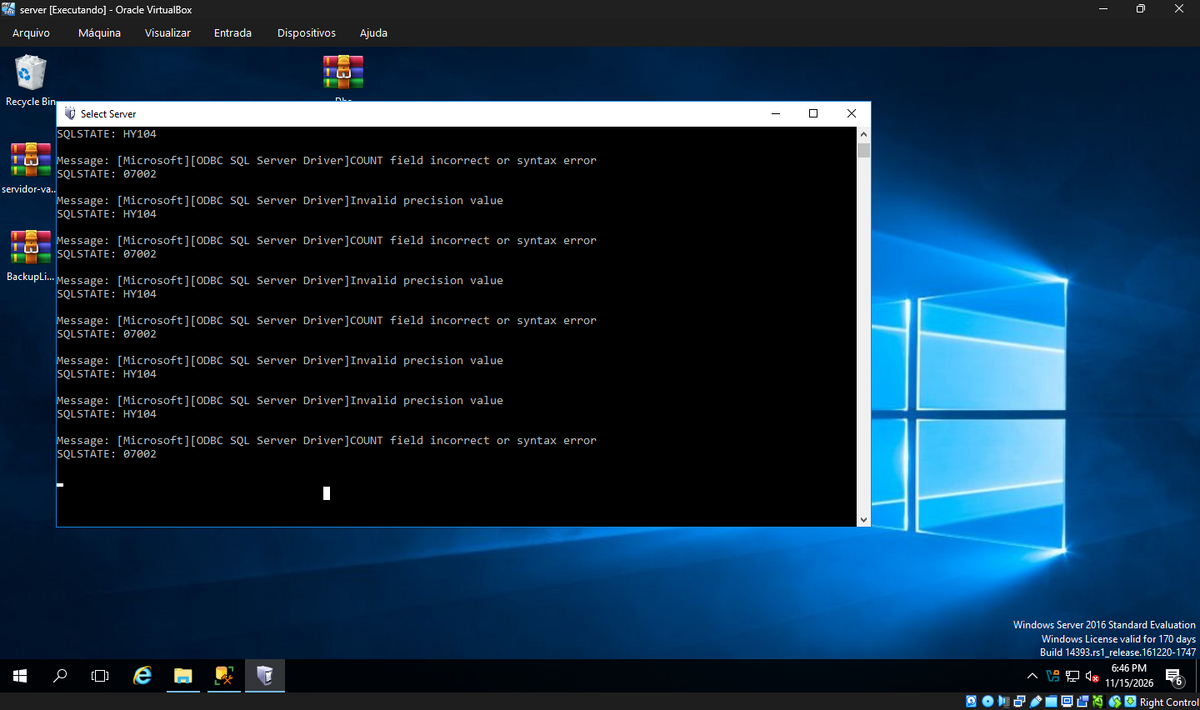
    fiz oque voce falou , deu certo consegui logar só que ainda sim no console do aparece odbc direto mesmo atualizando odbc kkk f então
  2. Misticos postou um tópico no fórum em Pedidos
    Estou tentando logar no servidor mais estou com problema de odbc alguem poderia da uma ajuda procurei no forum mais nao tem nada em relação a isso
Account

Navigation

Pesquisar

Configure browser push notifications

Chrome (Android)
  1. Tap the lock icon next to the address bar.
  2. Tap Permissions → Notifications.
  3. Adjust your preference.
Chrome (Desktop)
  1. Click the padlock icon in the address bar.
  2. Select Site settings.
  3. Find Notifications and adjust your preference.