.Azrael.
Membros
-
Registro em
-
Última visita
-
 Cara pessoas como você me fazem querer continuar na comunidade, graças a você tomei coragem de sair do meu Delta padrão e fazer um deploy dessa source do Draco e tentar implementar na minha, muita das vezes a gente precisa apenas de uma "LUZ" para começar os estudos. Você foi genial e obrigado por isso! Boa sorte no seu projeto +1
-
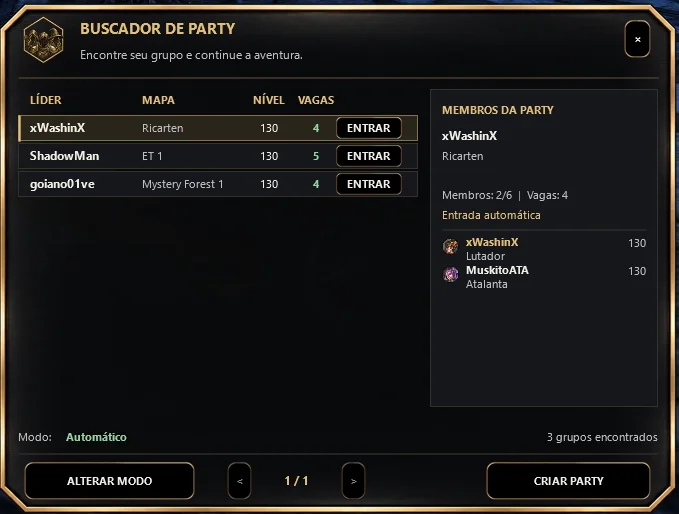
Hi everyone, good evening! I’m new to PRISTONPRO today, and I’d like to share some knowledge with the community. For those interested in learning how to add a "Party Finder" feature to their source code, I’m sharing some of my .cpp and .h files. In general, the Priston source code already contains most of the necessary functionality within its standard party system; you’ll essentially just be applying the logic in a different way—hehehe! It should be an interesting look for those who are curious. This is my current model, but it’s entirely up to you how you choose to shape it or implement the system itself. If any more experienced developers have suggestions on how to improve the system’s functionality or performance, please feel free to share your feedback here. As I mentioned, I’m here to share knowledge, and I’m sure there are other devs who will take one look at this code and spot areas for improvement. Thank you all—I’m glad to be part of this forum, which is so rich in knowledge. partyfinder.rar