oliver
Membros
-
Registro em
-
Última visita
Tudo que oliver postou
-
 Pow man salvou Deu certo Usando A tmABCD do galaxy Corrigiu mesmo vlwzão tava batendo cabeça pra caramba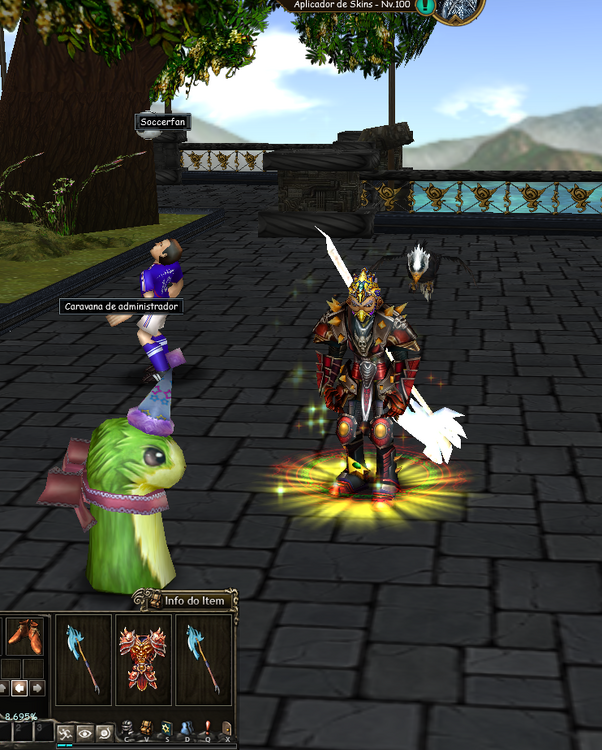
-
Pow infeslimente nao tive exito pois sua ferramenta muita coisa junta nao da pra entender é acaba demorando muito pra vereficar erro e reparar.
-
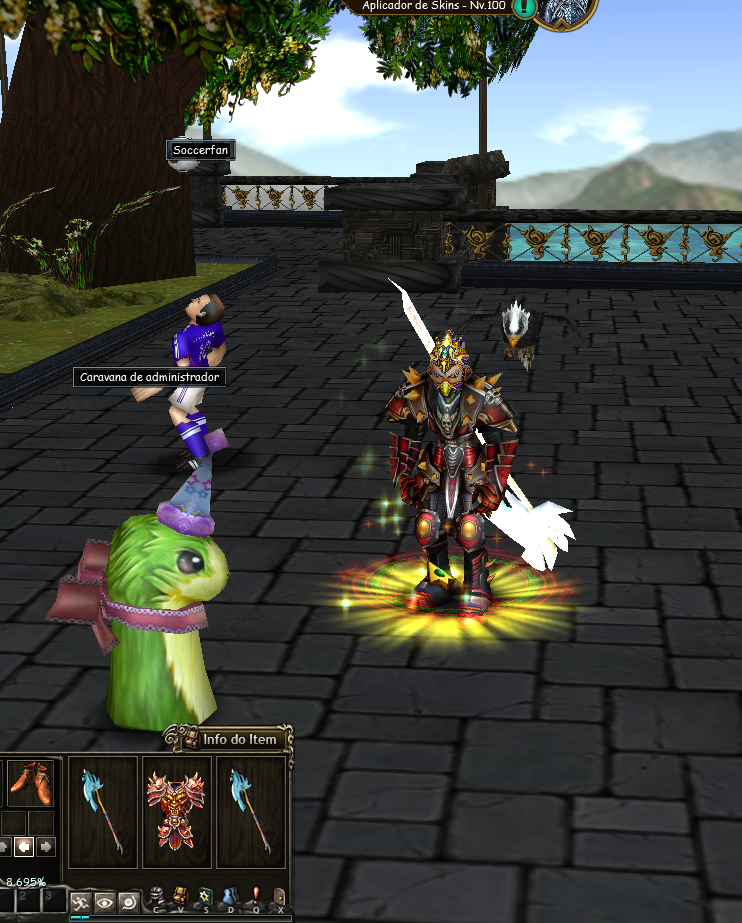
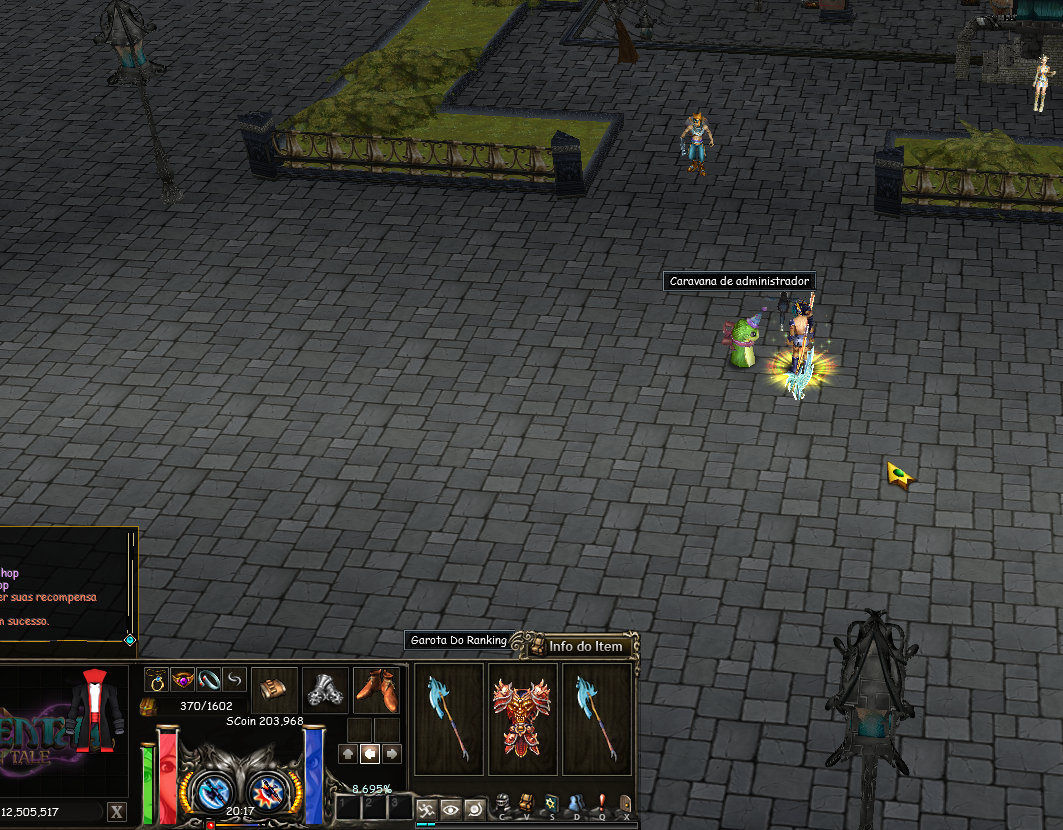
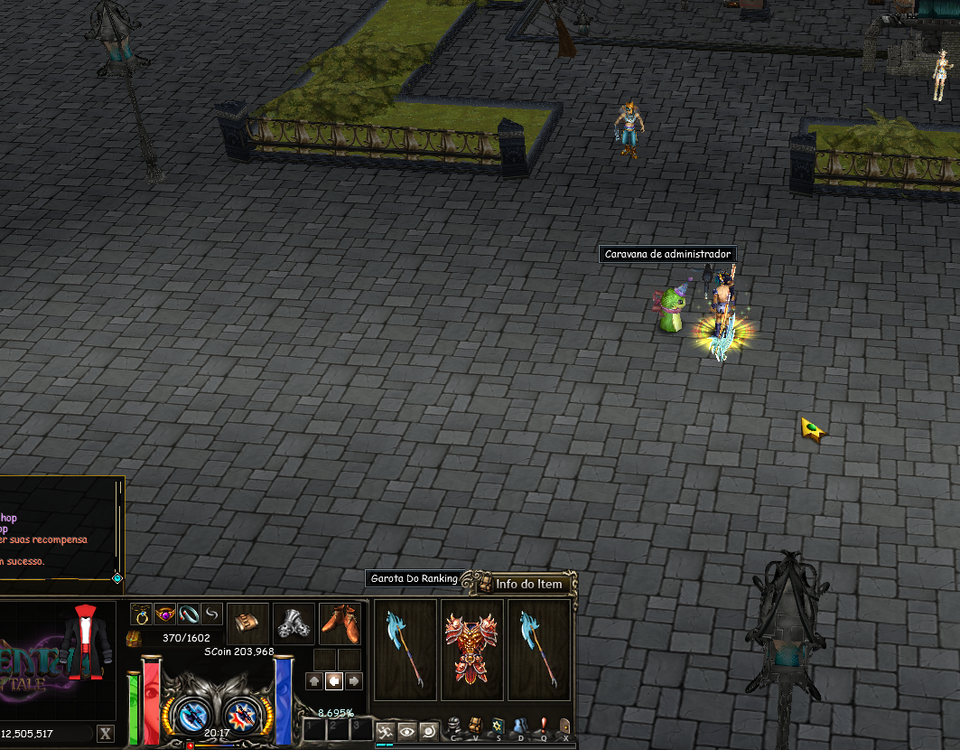
Boa noite , to mechendo na source do elemental corrigi algumas coisinhas nela só que Estou batendo cabeça com a skins da armadura ela não fica no personagem quando coloca no Npc toma Dc e quando Logar tá sem a Skin observa na foto , já coloquei drop item as itsk301.bmp etc delas mais infelismente não tenho exito.
-
Obgd amigo Era isso mesmo vlw pela informação
-
Pow obrigado mesmo pelas dicas , uso ia pra me ajudar em algumas coisas mais em relação a esse arquivo que ta faltando ela manda colocar muita coisa sem logica tentei mais nao tive sucesso, vou futricando e aprendendo obrigado pela intenção dos 2 amigos ai.
-
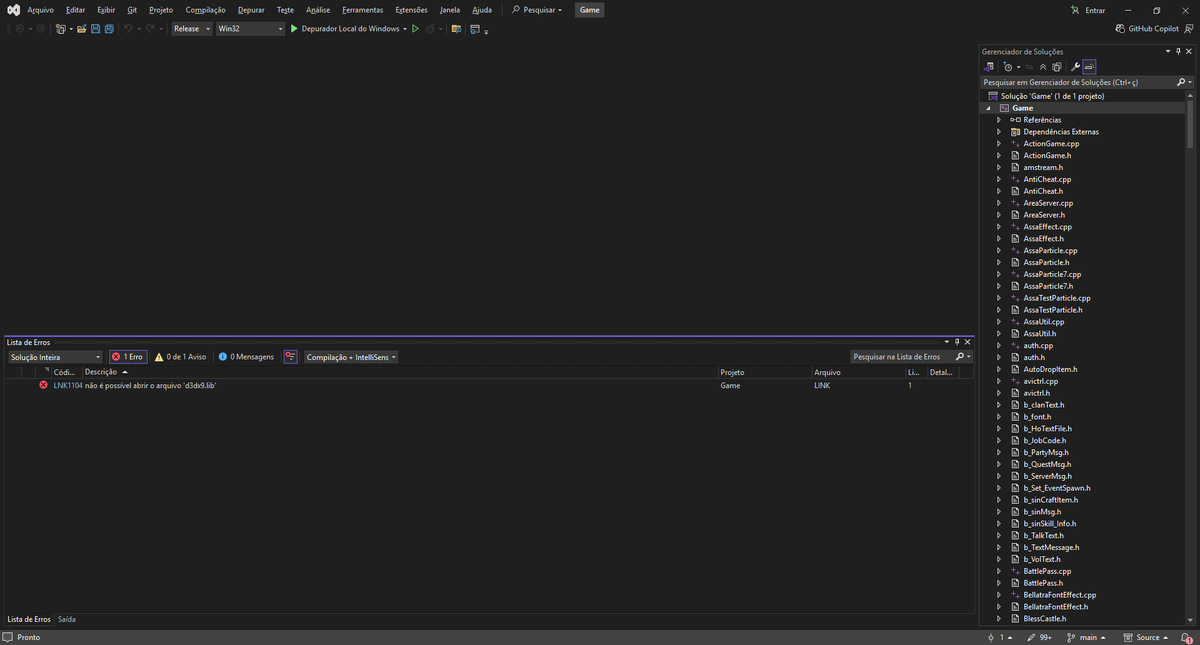
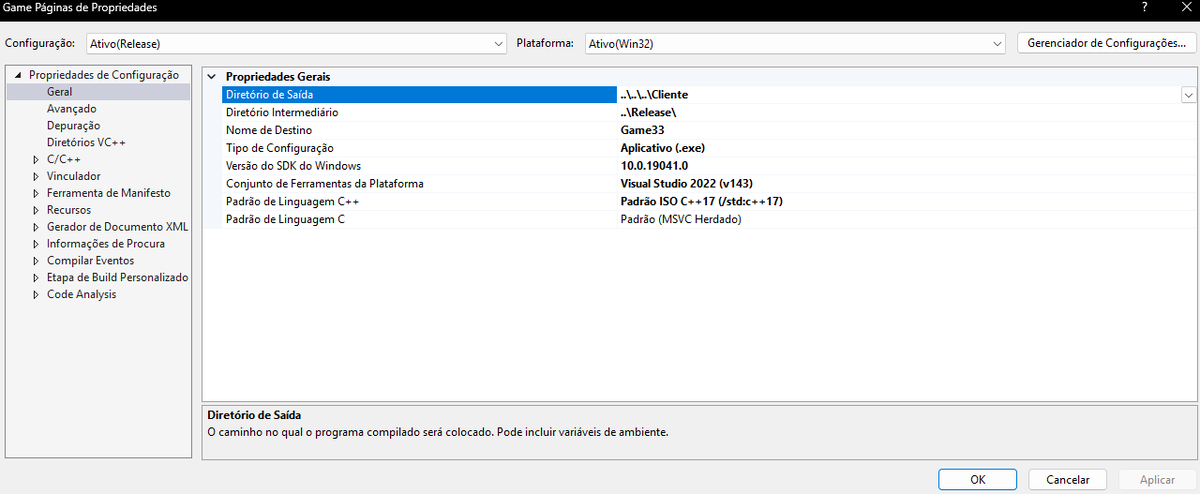
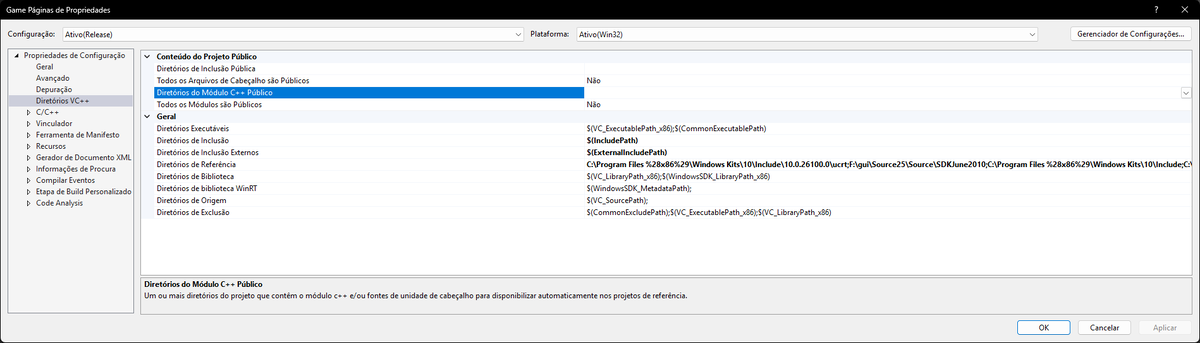
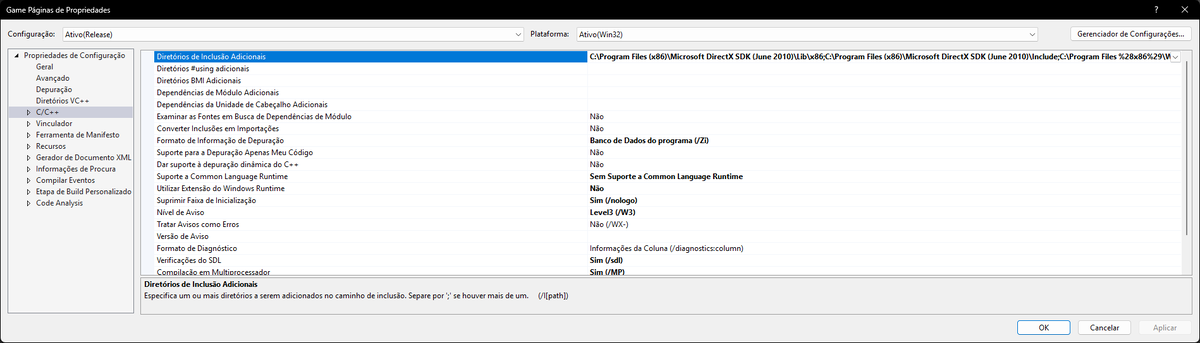
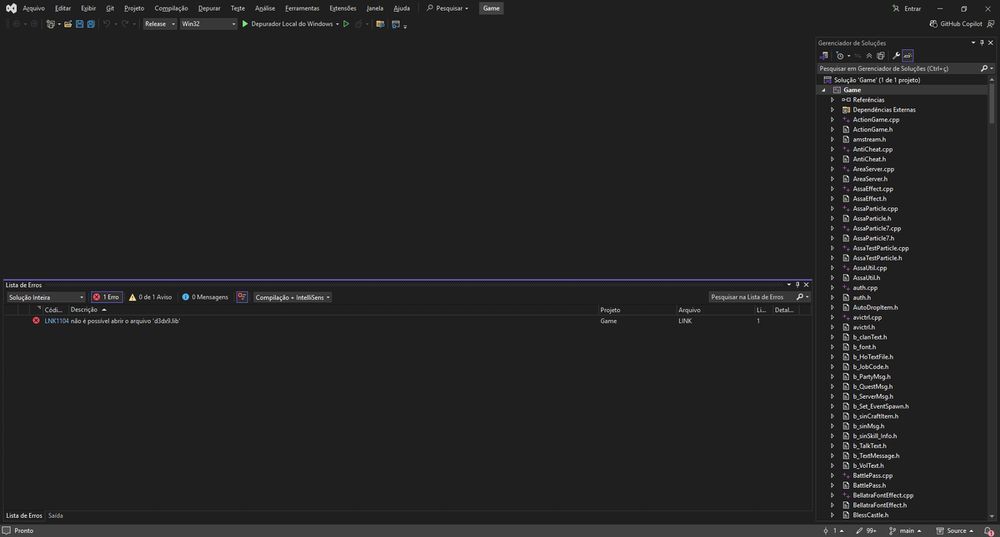
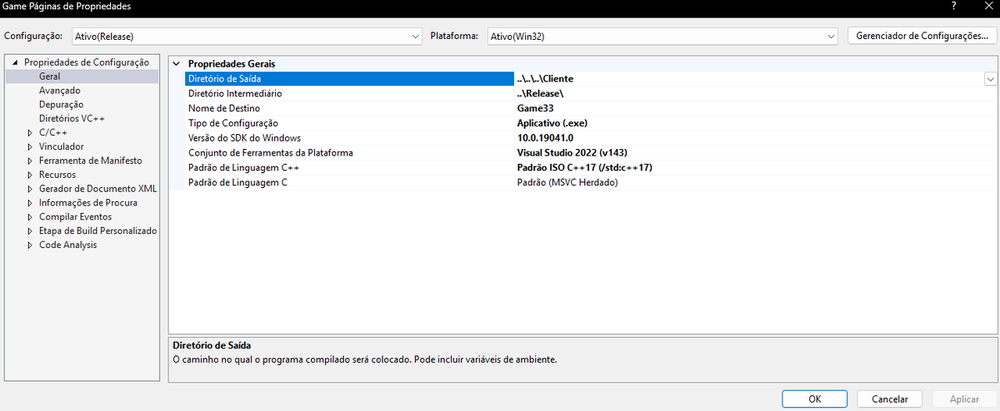
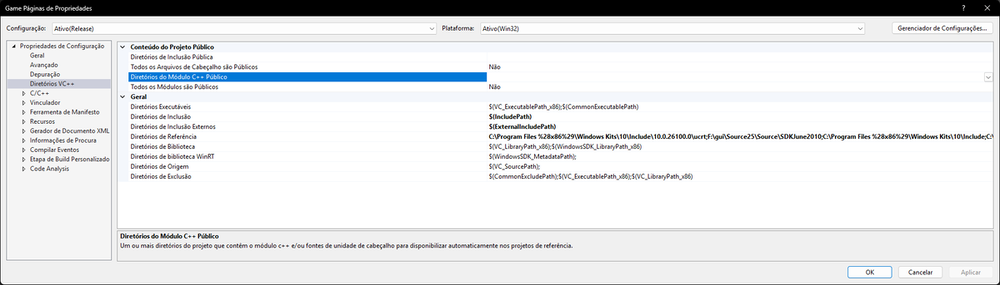
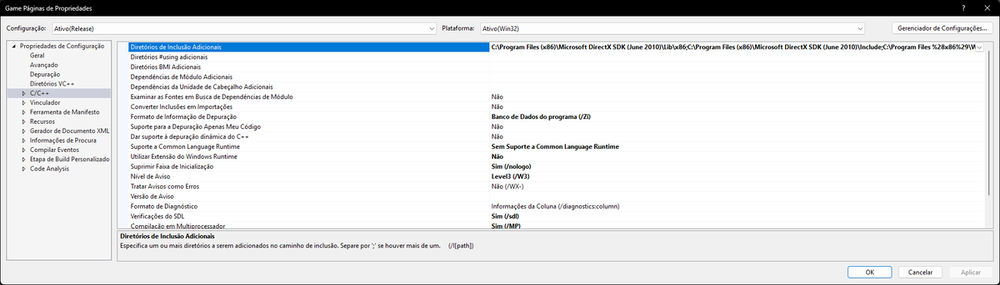
Estou com erro na parte do sr game olha as fotos ta faltando adicionar algo ? agradeço nao levem a mal novo aprendendo.
-
Estou com a source do Sun tem sistema de skin como sei qual npc vou colocar na cidade ele vai puxar o sistema.